|
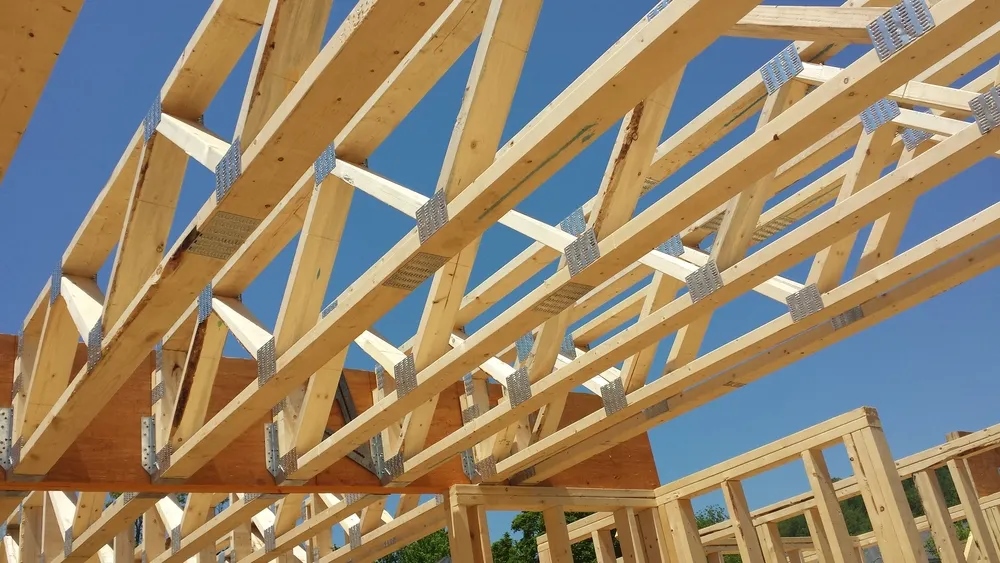
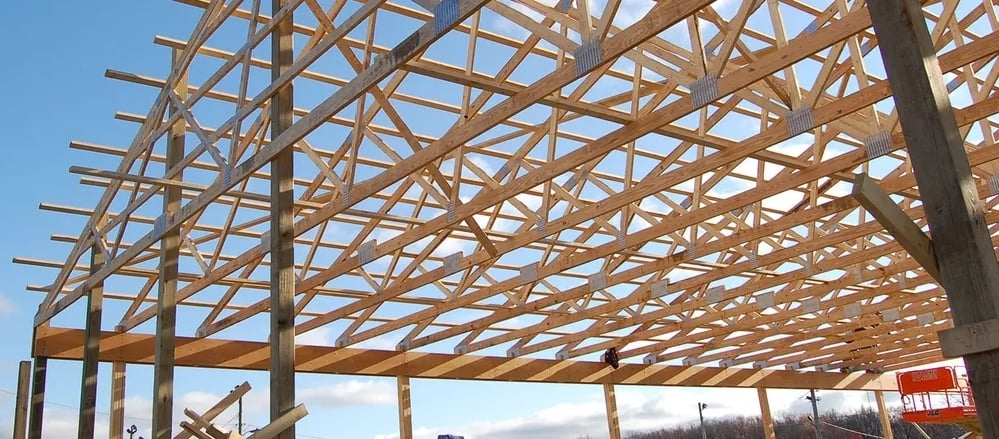
You can install this handy Excel worksheet for your computer and compute the rafter length; input the pitch, truss length and overhang to get your answer. The rafter length will give you the information you need to compute the square footage of your roof and determine plywood and shingle needs, and you can figure out your facia board and associated trim needs.
If you don't want to save it to your computer and you have Excel 2003, you can just click on "Download the Excel File" below and "open" and use it - follow the directions for Macros.
Download the Excel file

Excel 2003 Users
You will have to “Enable Macros” at the start up.
If your macro security settings are to high you can change them by going to the “Tools” dropdown menu, “Marco”, “Security” and then lower your settings to "Medium".
Excel 2007 Users
Select the "Office Button"
Select "Excel Options"
Select "Trust Center"
Select "Trust Center Settings"
-Message Bar A. First option selected -“Show the message in all applications when content has been blocked” -Macro Settings B. Second option selected - “Disable all macros with notification”
Restart Excel
Start “Rafter Length” “Security Warning – Macros have been disabled” Select Options Select Enable This Content
Click "OK"
|